Dynamic pipelines that mirror your real hiring process
Design pipeline stages once per job template — from Initial Screening through AI Interview, F2F, HR and Offer — and Nukhba wires the entire experience for recruiters, managers, panels and candidates.
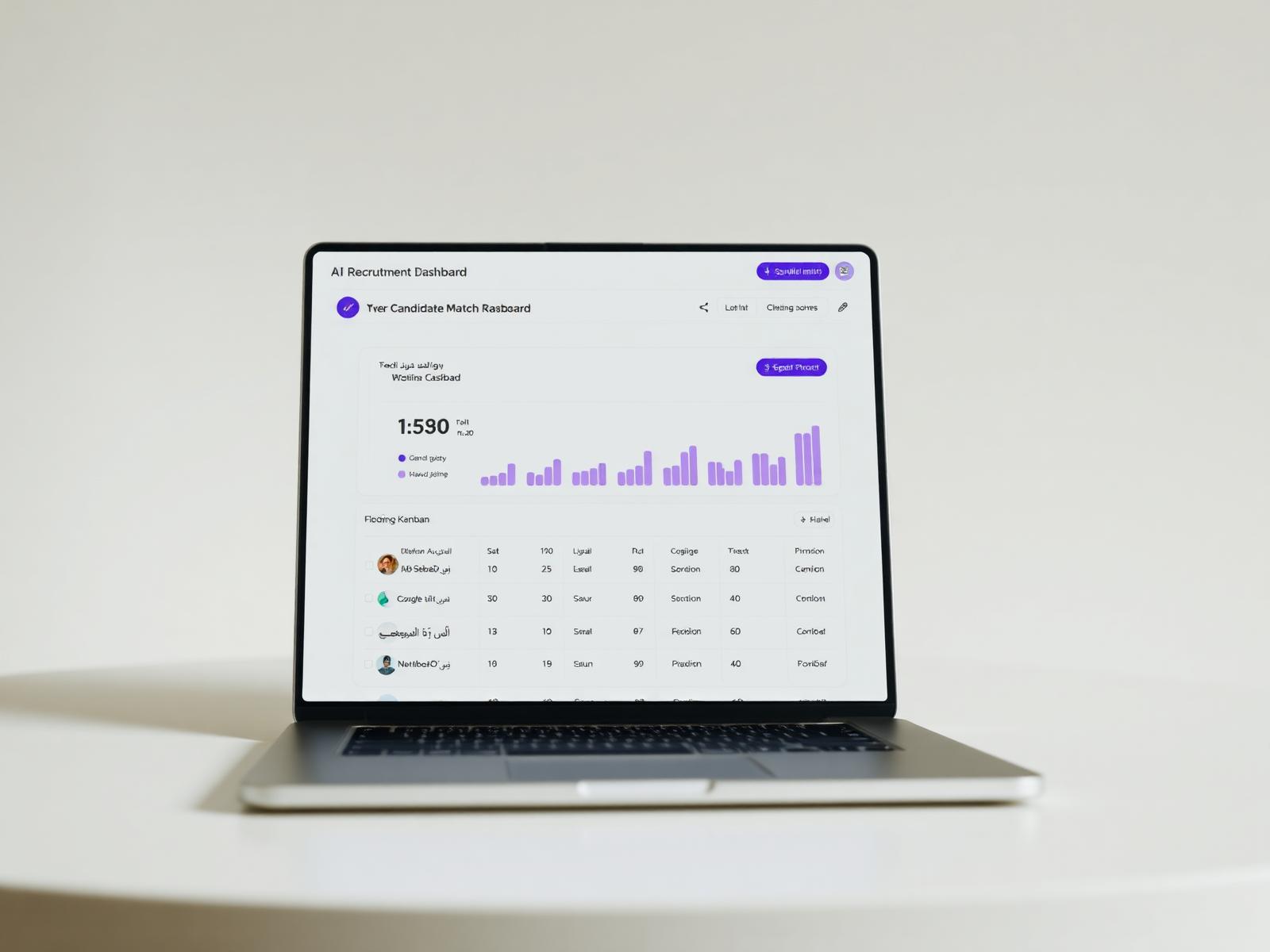
Everything you need to run this end-to-end
- Per-JD pipeline configuration with sub-statuses
- Automatic advancement rules based on AI outcomes
- Panel and hiring-manager assignment per stage
- SLA timers and stage-level bottleneck detection
A pipeline is a promise you make to a candidate about how they will be treated, and to a hiring manager about how the role will be run. Every organisation has different promises for different role families — and legacy ATS platforms force everyone into the same seven columns. Nukhba does not.
In Nukhba, a pipeline is a first-class object you design once per JD template. You choose the stages (Initial Screening, AI Interview, Assessment, Technical Panel, HR Interview, Offer, Medical, Onboarding), the sub-statuses inside each stage (Awaiting recruiter review, Awaiting candidate response, Scheduled, Completed, Recommended, Rejected), the owner of each stage, the SLA on each stage, and the artefacts that must be attached before a candidate can move forward.
The result: Engineering can run a 6-stage technical loop while Retail runs a 3-stage rapid loop, and both look right for the people running them. Recruiters see the columns that matter to their reqs. Hiring managers see the actions they own. Candidates see their exact position and next step in a bilingual portal. And SLA timers turn a stalled funnel into a visible problem before it becomes a lost hire.
What's actually in the box
Drag-configure stage designer
Build a pipeline visually per JD template. Reorder, rename, group into sub-statuses, and preview the recruiter, manager and candidate view before saving.
SLA timers and breach alerts
Each stage carries an SLA in hours or days. Breaches page the right owner via email and Microsoft Teams, and escalate to the TA lead if unresolved.
Auto-advance rules
Move a candidate forward automatically when the AI screen passes a threshold or a panel submits its evaluation — with a human override on every rule.
Stage-level owners and artefacts
Each stage names its owner (recruiter, panel, HR, hiring manager) and the artefacts required before advancement (evaluation form, salary approval, reference check).
Bilingual candidate visibility
Candidates see their position on a clean, bilingual timeline — no email chasing, no 'where do I stand' calls to the recruiter.
Version-safe mid-hire changes
Update a pipeline template mid-hire and existing candidates stay on the version they entered; new candidates use the new version. Both are logged.
A retail group runs 3-stage and 6-stage pipelines side by side
Store manager reqs use a 3-stage pipeline: AI Screen → AI Video Interview → Store Interview. Head-office engineering reqs use a 6-stage pipeline with an assessment and a two-round technical panel. Both are templated, both are live, and neither team had to compromise on process to get onto one platform.

Three steps, always in this order
Design the stages
Drag-configure stages and sub-statuses per JD template. Attach SLAs, owners, and required artefacts to each.
Auto-advance where safe
Rules move candidates forward when AI screening passes a threshold or a panel evaluation is submitted — human overrides available everywhere.
Detect bottlenecks
Stage-level dwell time, aged candidates and SLA breaches surface on every recruiter and manager dashboard.
For the first time our engineering and retail teams are on one ATS without pretending they hire the same way.
What buyers ask most
Ready to modernise your hiring?
Book a 30-minute walkthrough with a UAE recruitment specialist.